Bannerbear alternativeBannerifyvs Bannerbear
Bannerbear is an API for images, PDFs, animations, and video edits, with workflows that chain them. Bannerify does the image and PDF part: synchronous on every plan, 10,000 images for $59.
Why teams switch
Where Bannerify is different.
Same job: design a template once, fill it with data many times. Different engine underneath.
10,000 images for $59
Bannerbear Scale is $149 a month for 10,000 API credits. Bannerify Automate gives the same 10,000 images for $59.
Synchronous by default
The Bannerbear API is async by default. Its sync host covers images only and stops at 10 seconds. Bannerify returns every image and PDF in the same request.
Image URLs on every plan
Bannerbear Instant URLs come with the $149 Scale plan and up. Bannerify image URLs work on every plan, Free included.
See them side by side.
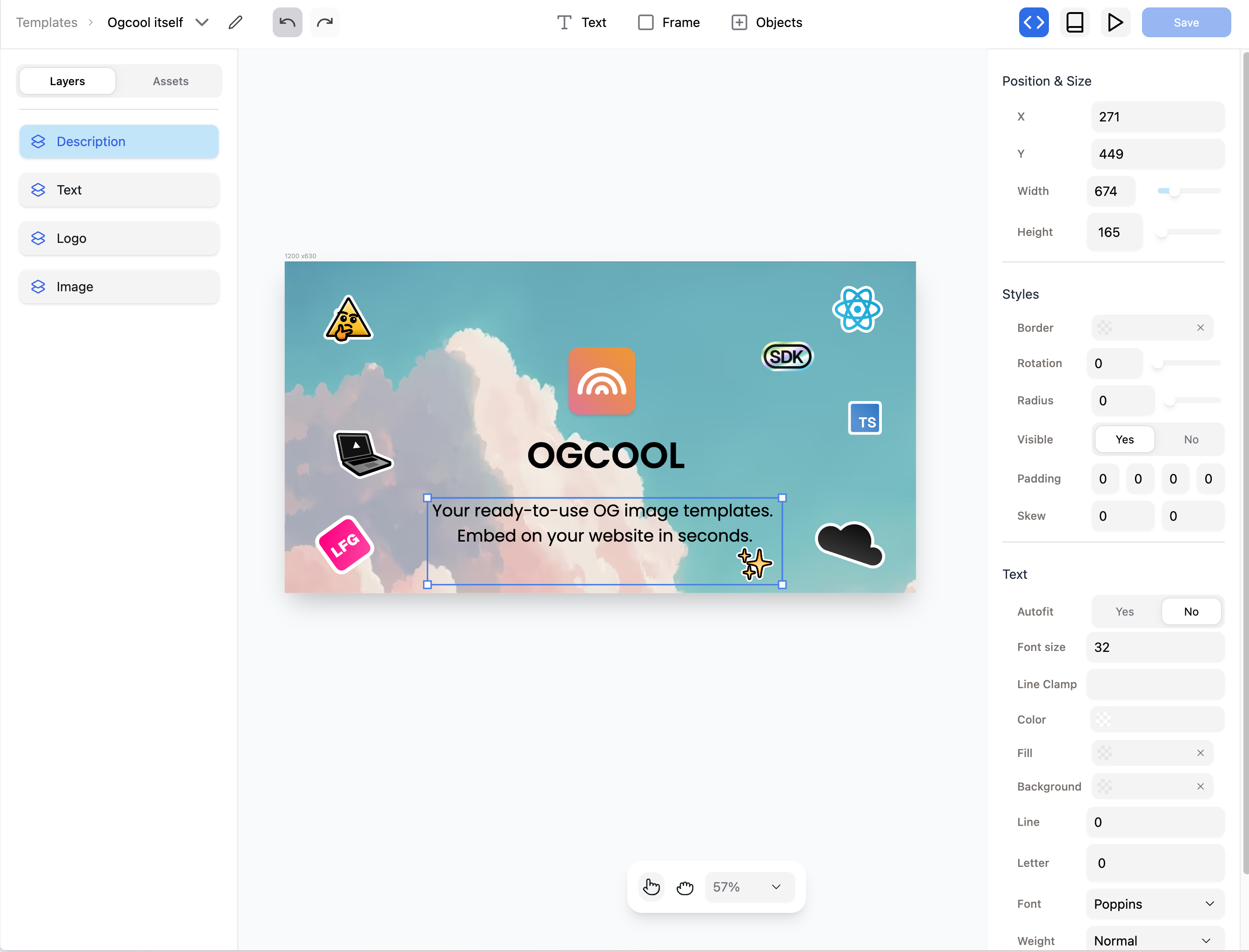
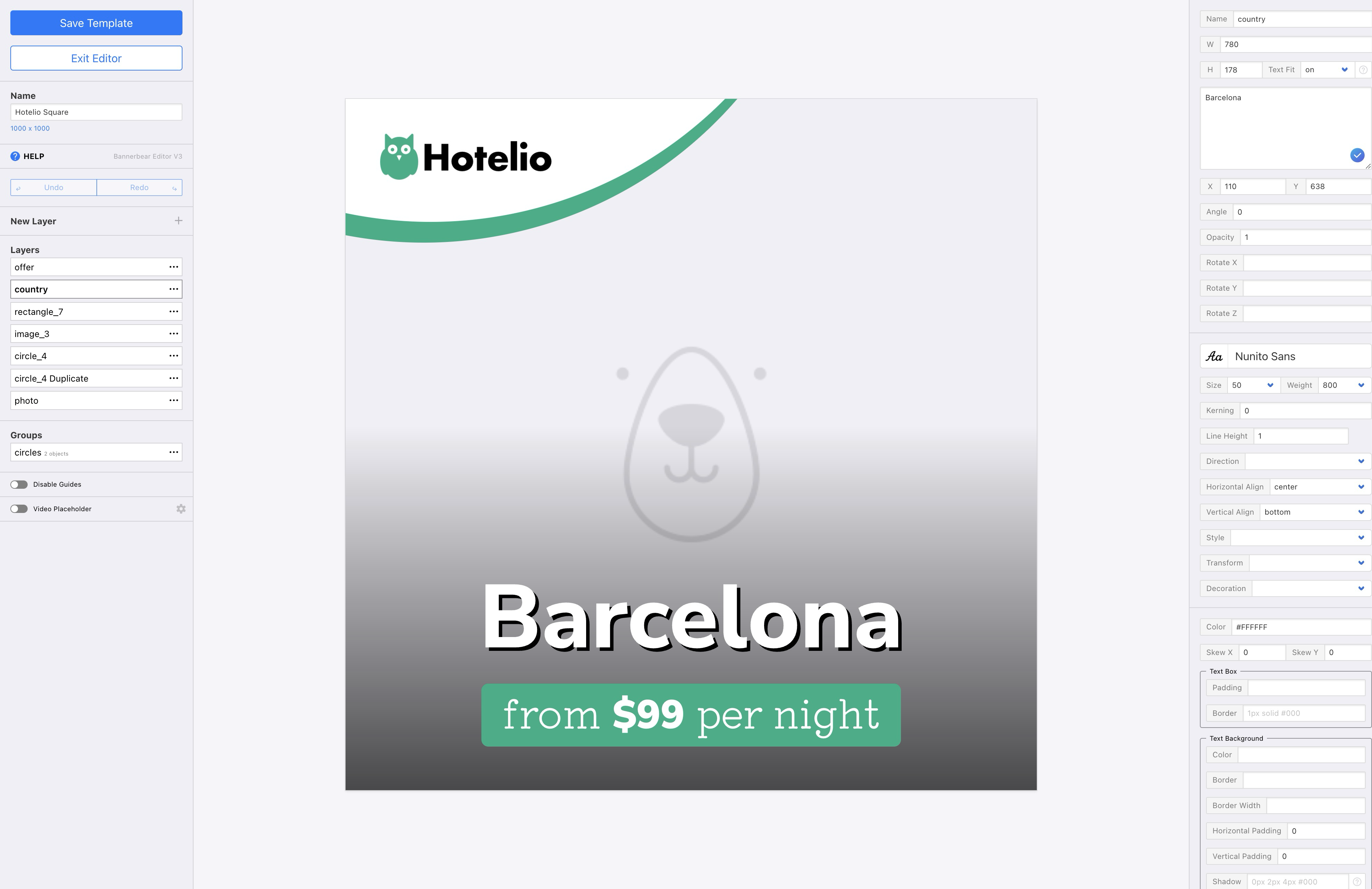
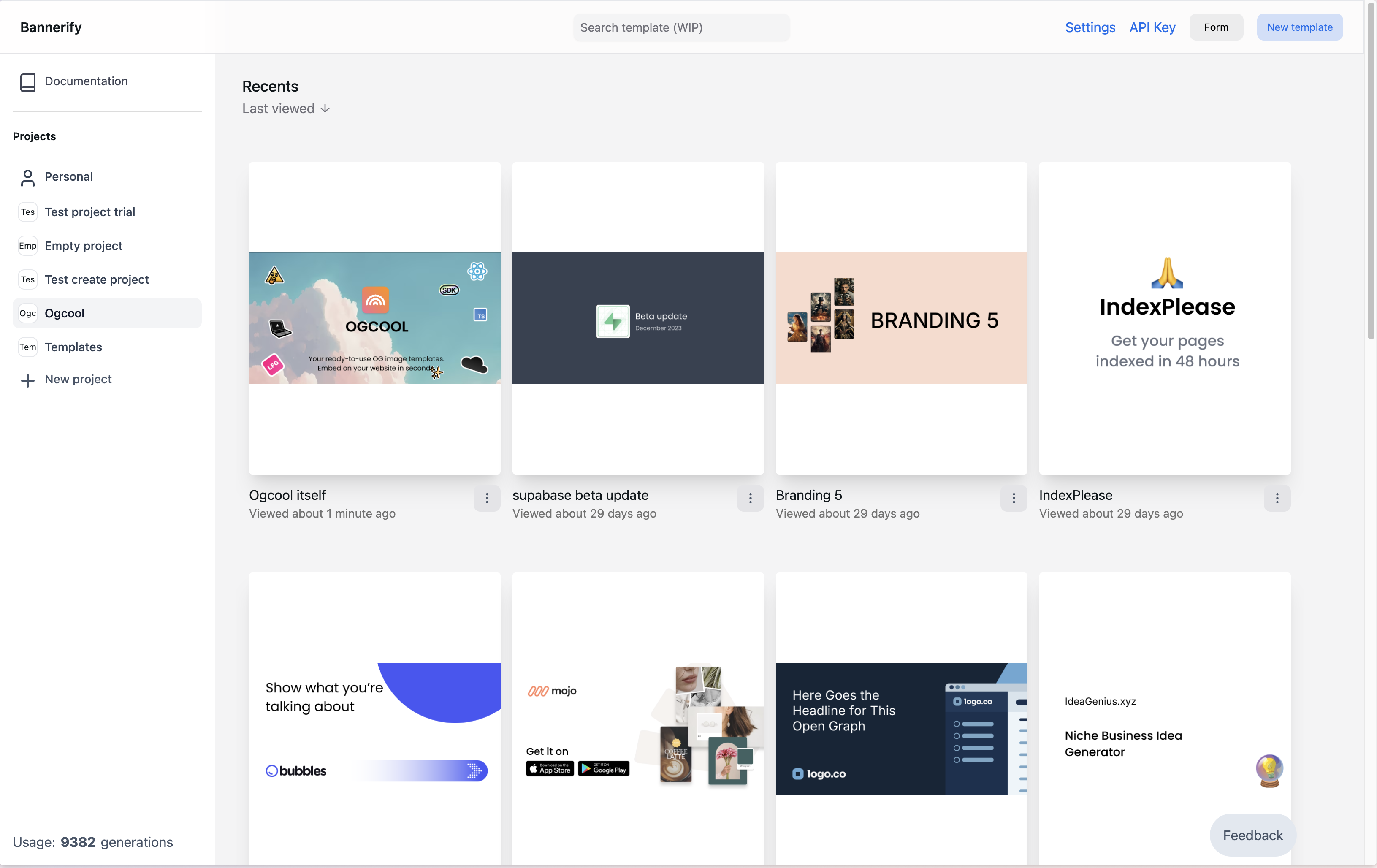
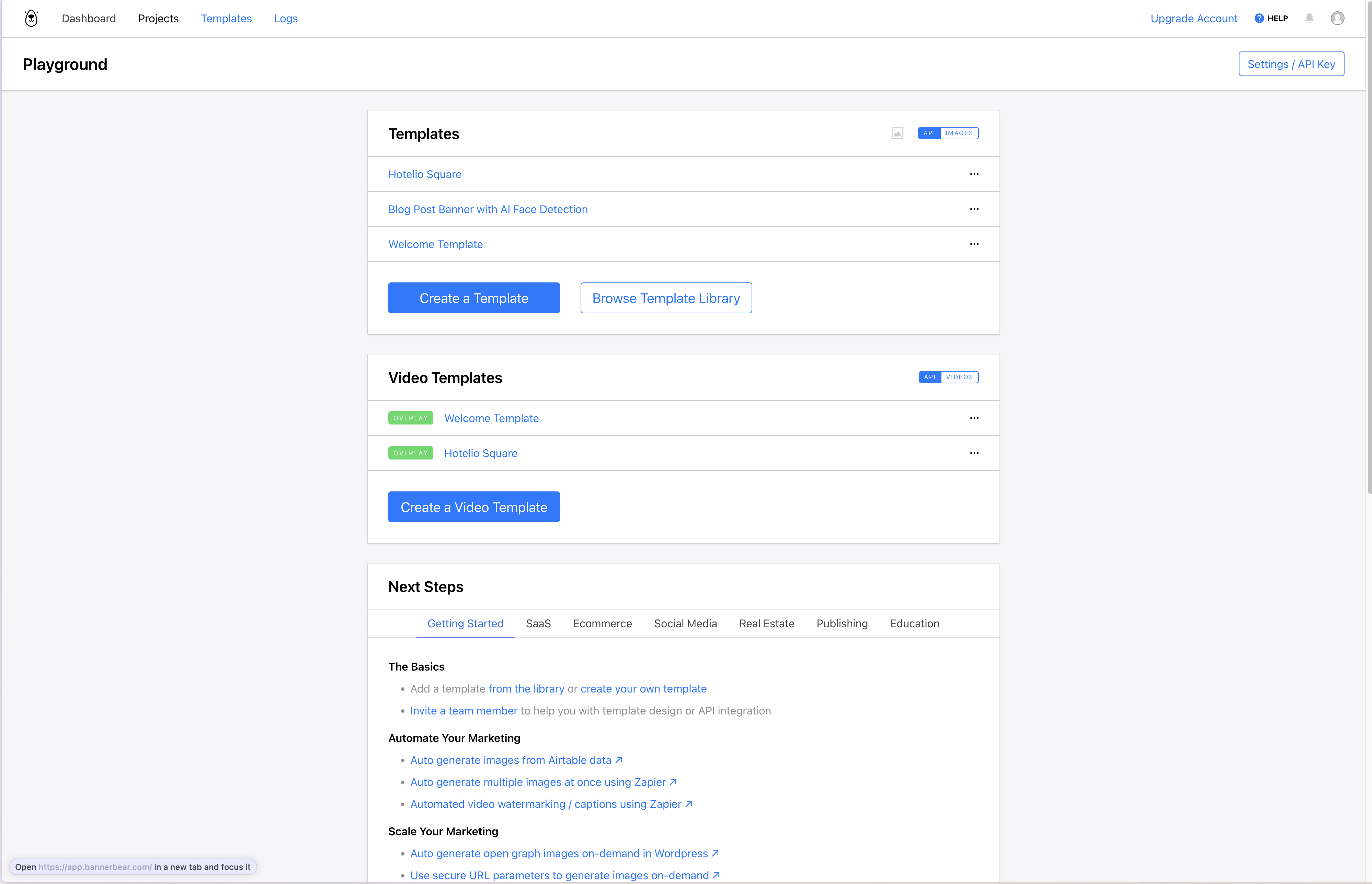
Plan by plan, feature by feature.
Bannerbear prices and plan limits checked in October 2026 on the Bannerbear pricing page. Bannerbear has a one-time trial with 30 API credits, not a free plan. One credit is one image in one format. Plans change, so confirm current pricing before you buy.
When Bannerbear is the better pick.
Bannerify does one job: templates in, images and PDFs out. If your job looks like one of these, Bannerbear may fit you better.
- You need animations or video edits, such as trim, join, subtitles, or voice-over, next to your images.
- You want to chain several media steps into one workflow call.
- Your data lives in apps that Bannerbear connects to natively, such as Notion, Shopify, or Webflow.
- You need audit logs or zero data retention.
Switch from Bannerbear in three steps.
- 01
Rebuild one template
Start from a blank canvas or a gallery template, or import a Figma frame with the Bannerify plugin. Text, images, QR codes, tables, and charts are layers that your data can fill.
- 02
Name the layers that change
Give each layer that takes data a name, such as headline or photo. A request changes each named layer and keeps the rest of the design.
- 03
Send your data
Call the REST API or an SDK from your code, or connect a spreadsheet or form through Zapier, n8n, or Pipedream. The free plan gives 100 renders a month to test with.
API
The same image in both APIs.
Both APIs take a template and the layers to change. The difference is what comes back.
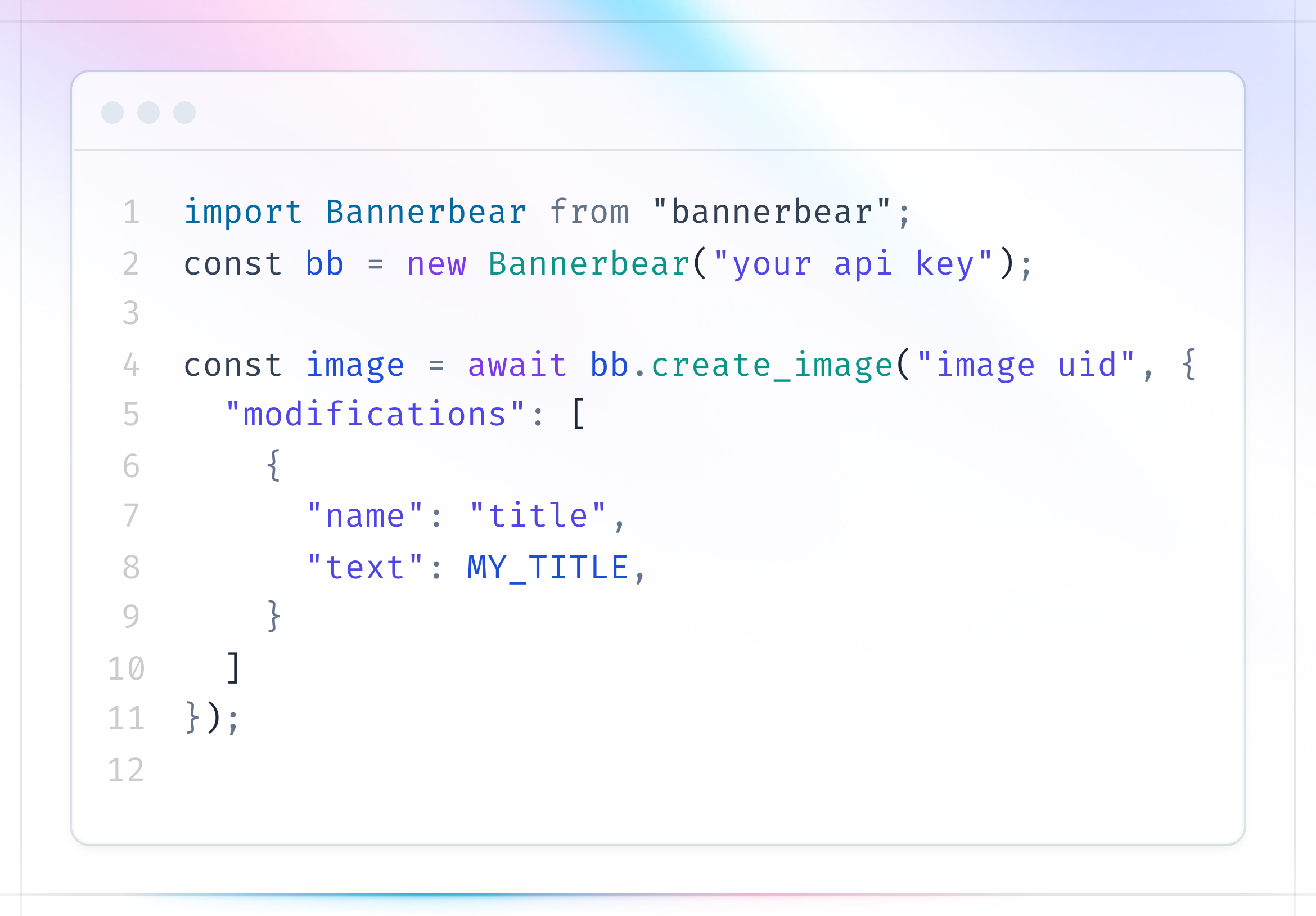
curl https://api.bannerbear.com/v5/images \
  -H "Authorization: Bearer YOUR_API_KEY" \
  -H "Content-Type: application/json" \
  -d '{
    "template": "YOUR_TEMPLATE_UID",
    "modifications": {
      "objects": [
        { "name": "headline", "text": "Summer sale" },
        {
          "name": "photo",
          "background-image": "https://example.com/shoes.png"
        }
      ]
    }
  }'
202 Accepted, with the status pending. Poll GET /v5/images/:uid or wait for a webhook. The sync host waits up to 10 seconds.
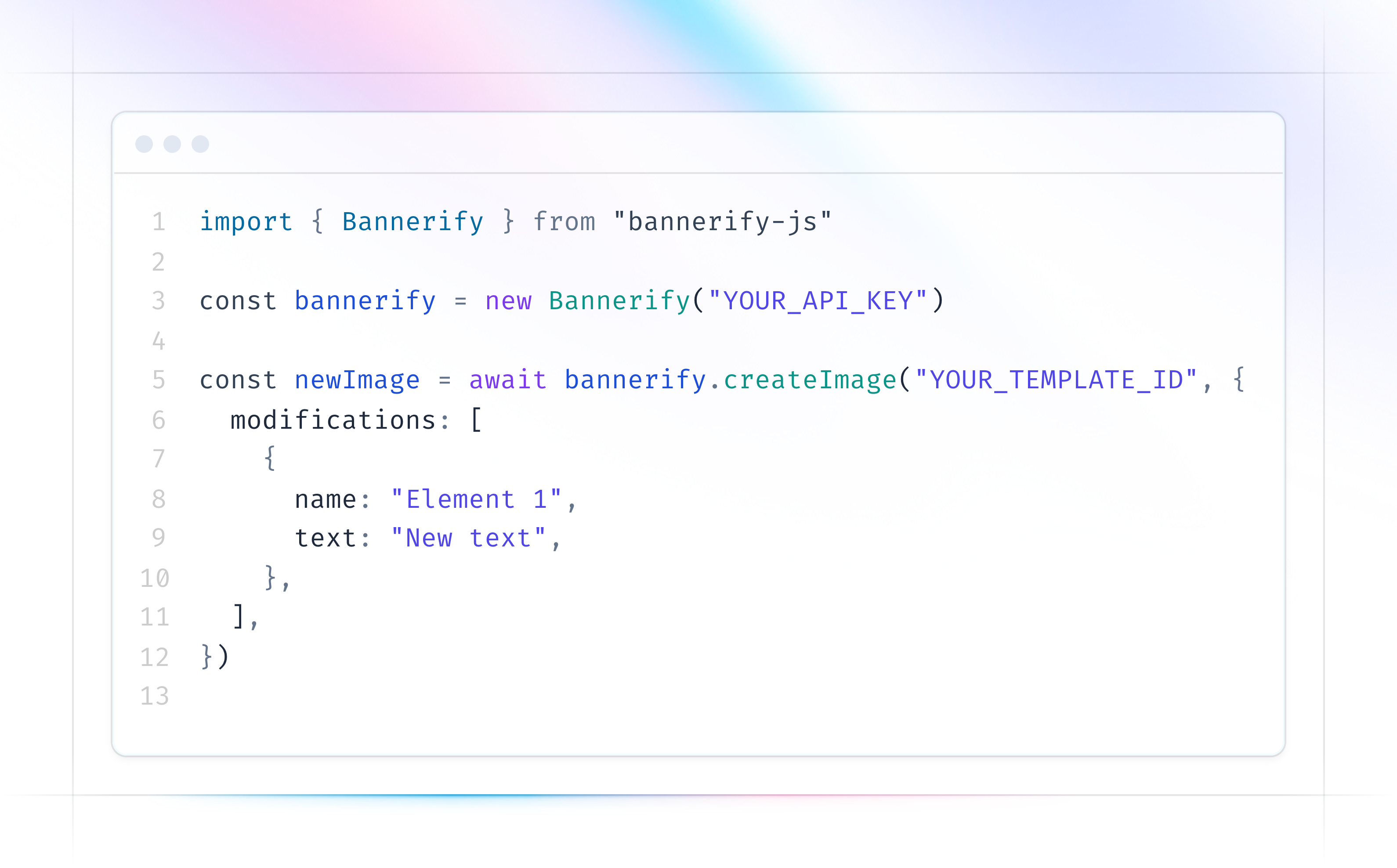
curl https://api.bannerify.co/v1/templates/createImage \
  -H "Content-Type: application/json" \
  -o banner.png \
  -d '{
    "apiKey": "YOUR_API_KEY",
    "templateId": "tpl_xxx",
    "modifications": [
      { "name": "headline", "text": "Summer sale" },
      {
        "name": "photo",
        "src": "https://example.com/shoes.png"
      }
    ]
  }'
200 OK, and the body is the PNG. For a hosted URL instead, call createStoredImage.
| Bannerbear API v5 | Bannerify |
|---|---|
| Authorization: Bearer | apiKey, in the JSON body |
| template | templateId |
| modifications.objects | modifications |
| text | text |
| color | color |
| background-image | src |
| hidden: true | visible: false |
| qr-target | qrcode |
| barcode-data | barcode |
A Bannerify modification changes the content of a layer: text, text color, image, visibility, QR code, barcode, and table or chart data. Fonts, sizes, positions, and fill colors stay as you set them in the editor. Read the modifications docs. The Bannerbear request follows the Bannerbear API reference, checked in October 2026.
Compare Bannerify with other tools.
- Placid alternativeCreative automation API
- Abyssale alternativeCreative automation platform
- APITemplate.io alternativePDF and image API
- Templated alternativeImage, PDF and video API
- RenderForm alternativeImage and PDF API
- Creatomate alternativeVideo and image API
- Polotno alternativeEditor SDK
- IMG.LY alternativeEditor SDK
- Canva Bulk Create alternativeDesign tool
- Contentdrips alternativeSocial carousel maker
- Pomelli alternativeAI marketing tool
- Documint alternativeDocument generation
- CraftMyPDF alternativePDF and image API
Try it on your own templates.
Rebuild one Bannerbear template in Bannerify and compare the renders yourself.
