Account
Billing
Learn how plans, trials, and upgrades work, and where to manage your subscription.
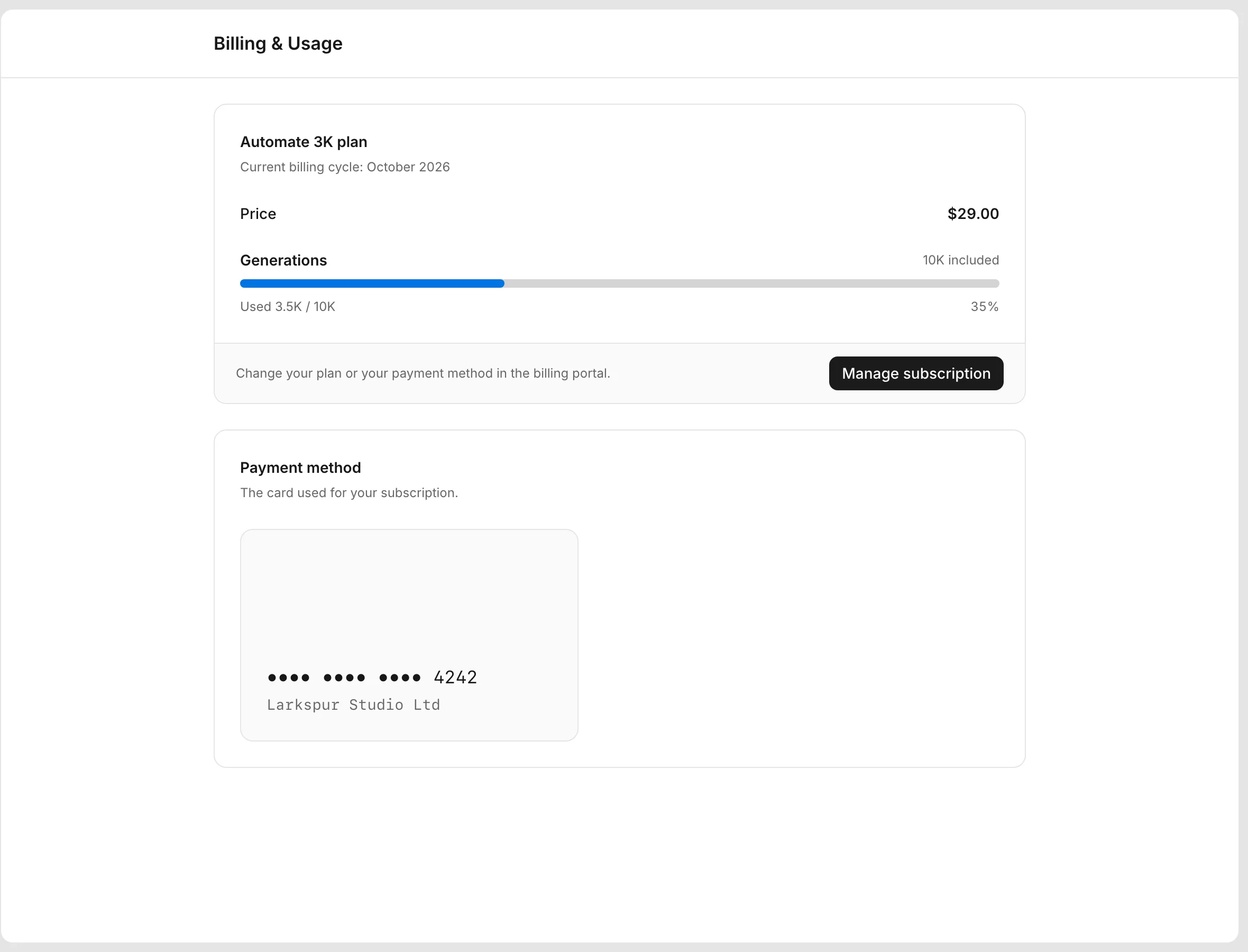
Billing is per workspace. Open Billing & Usage in the sidebar to see your plan, the generations you used this month, and your payment method.
Plans
There are three paid plans: Automate, Scale, and Enterprise. Each plan has more than one monthly volume, and you pick the one that fits.
| Plan | Price | Generations | Stored images |
|---|---|---|---|
| Free | $0 | 100 a month, 10 a day | 1 GB |
| Automate 3k | $29 a month | 3,000 a month | 3 GB |
| Automate 10k | $59 a month | 10,000 a month | 3 GB |
| Scale 20k | $89 a month | 20,000 a month | 50 GB |
| Scale 40k | $149 a month | 40,000 a month | 50 GB |
| Enterprise 100k | $299 a month | 100,000 a month | 100 GB |
| Enterprise 500k | $699 a month | 500,000 a month | 100 GB |
| Enterprise 1M | $999 a month | 1,000,000 a month | 100 GB |
The pricing page lists everything each plan includes. Every plan is available in the app.
Serving generated files from the Bannerify CDN costs nothing on any plan. Automate gives a team account, unlimited templates, and no daily limit. Scale adds priority support, your own S3 bucket for stored files, and the embedded editor for 3 domains and 100 editor users. Enterprise has everything in Scale and adds dedicated support, video calls, SSO, and an embedded editor for 8 domains and 500 editor users, without the Bannerify branding. Free and Automate workspaces cannot send s3Config.
Free is for personal workspaces
The Free plan fits a personal workspace. Team workspaces and unlimited templates come with the paid plans.
Team trial
A new team workspace starts with a 14-day Automate 3k trial. During the trial you get the Automate 3k limits and the team features.
If the trial ends without a subscription, the workspace moves to Free. A team workspace on Free cannot generate files, so API calls return USAGE_EXCEEDED until you upgrade.
Change your plan
Without a subscription:
- Open Billing & Usage in the sidebar.
- In the Plans card, pick a plan and its monthly volume.
- Click Choose Automate, Choose Scale, or Choose Enterprise, and complete the hosted checkout.
- Go back to Bannerify. The workspace switches to the new plan after the payment is confirmed.
With an active subscription, the Plans card is hidden. Click Manage subscription to open the customer portal. There you change the plan, change your card, or cancel. Do not start a second checkout, because it adds a second subscription.
Usage and the billing cycle
The Billing page shows usage for the current month. The month follows UTC time, and usage resets on the first day of each month. Quota and limits lists which requests count as a generation.
Late payments and cancellations
If a payment is past due or unpaid, Bannerify pauses the workspace and treats it as Free until you fix the payment. Paying the invoice lifts the pause.
If you cancel a subscription, or it is revoked, the workspace moves to Free right away, not at the end of the billing period.
Need a custom plan, a higher quota, or help with an invoice? Email an@bannerify.co.